Overview
Day and Night Tabs
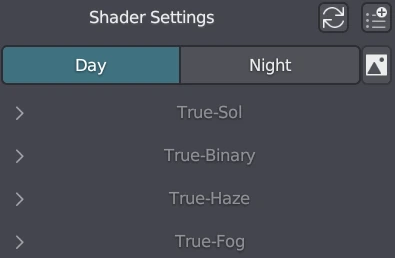
The TrueSKY interface consists of two main tabs: Day and Night. These tabs allow you to configure the settings specific to daytime and nighttime environments.
Day Tab
In this tab, you can adjust the settings related to the appearance of the sky and sun during daylight hours.
Night Tab
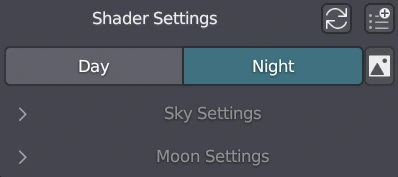
The Night tab is used to configure the settings for nighttime scenes. It becomes relevant when the height of the sun is near zero or negative or when transition under night sky settings is non-zero , indicating the transition from day to night. At this point, stars and the moon start to appear in the sky.
Night HDRI Option
Next to the Day and Night tabs, there is an option to use a night HDRI for the sky instead of the procedural true night sky. Enabling this option allows you to use a specific night HDR image to create the night sky effect. When this option is enabled, the Nebula and Star settings are disabled, as they do not apply to the chosen night HDRI.
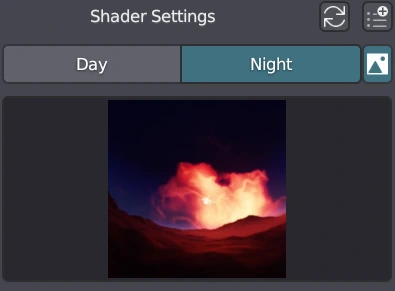
TrueSKY includes eight high-quality built-in night HDRIs, providing you with a variety of stunning nighttime sky options for your scenes.

For more detailed information and tutorials on utilizing TrueSKY's capabilities please visit the other articles.